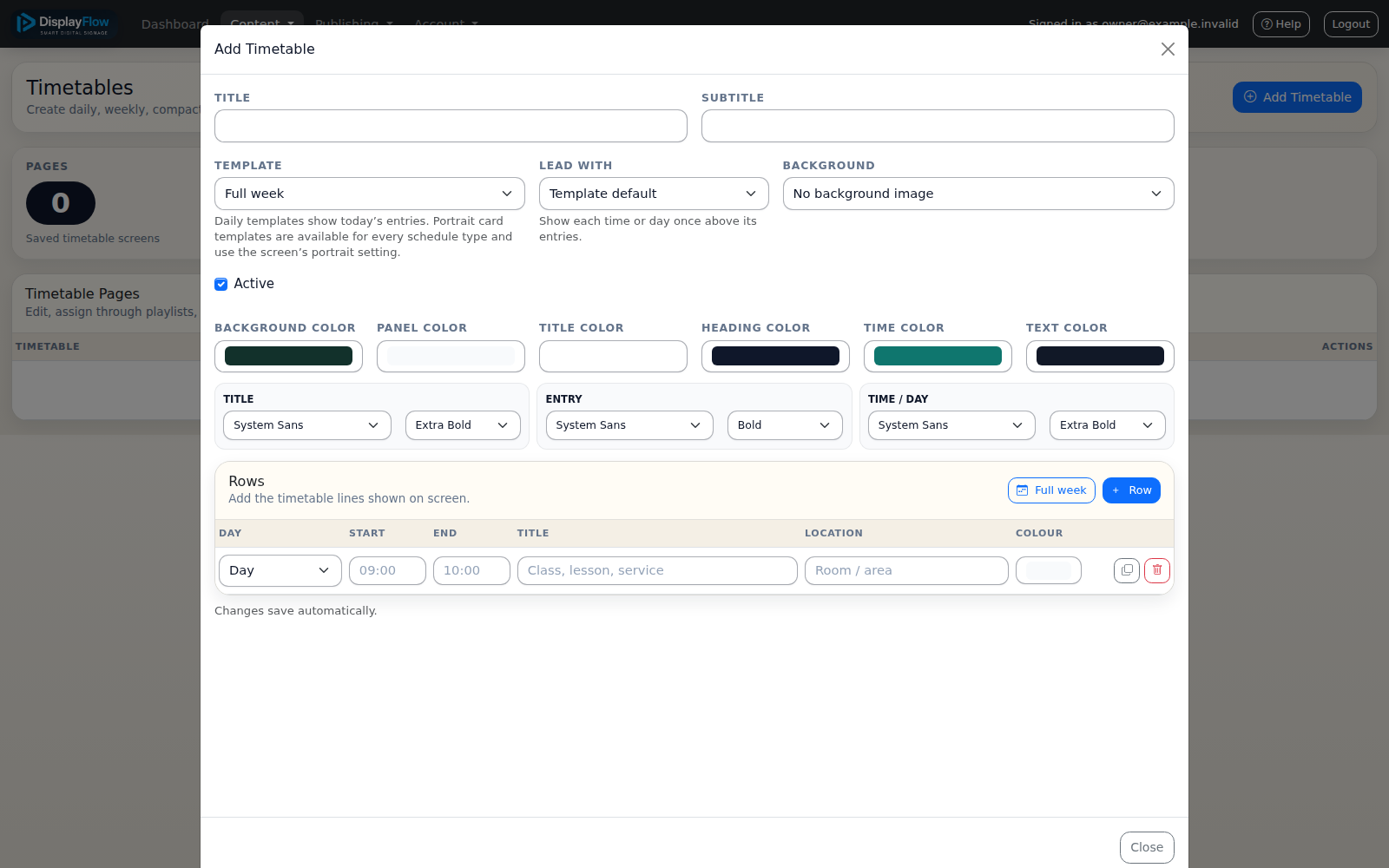
01 / Add your content
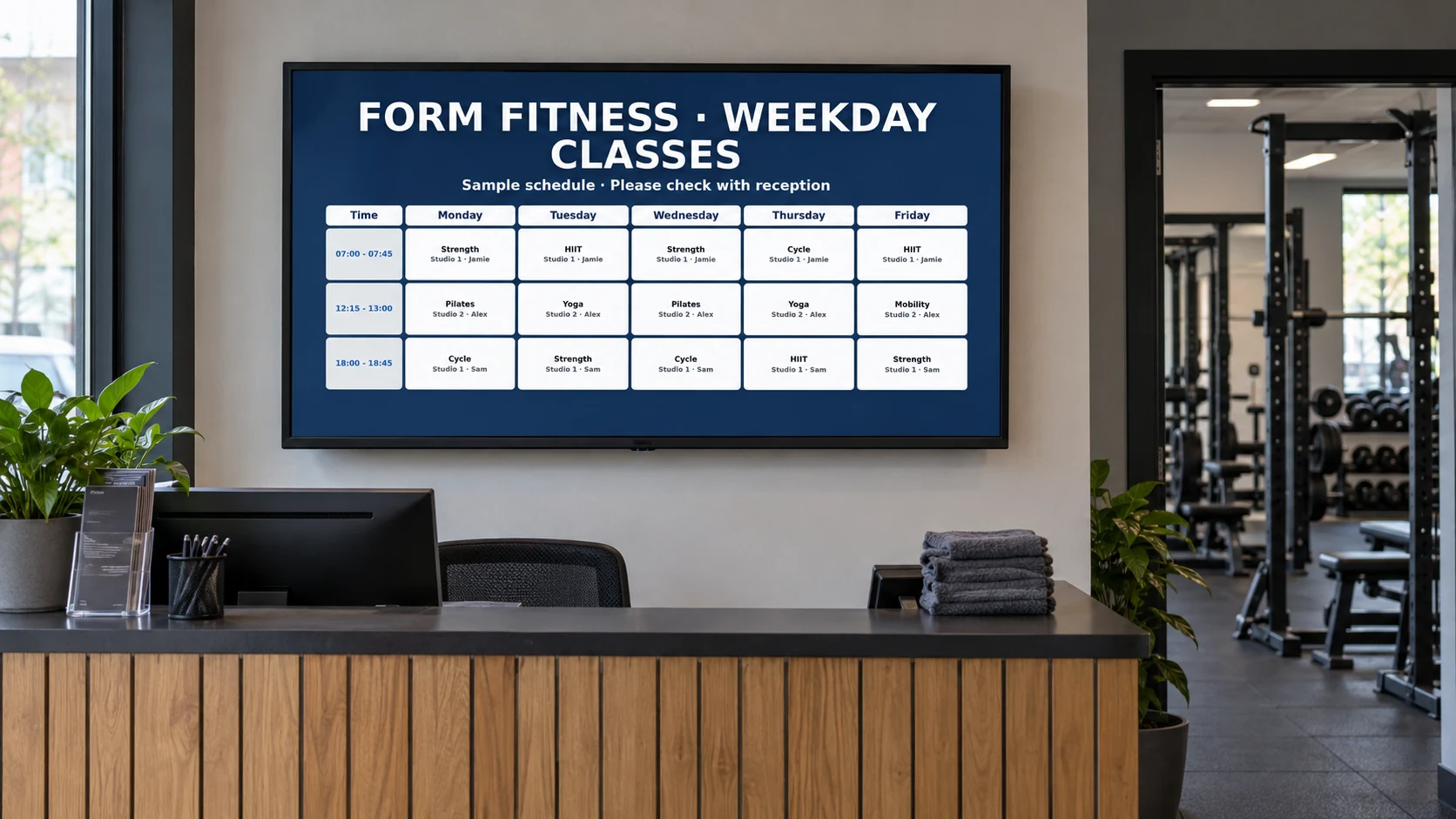
Create your account, then add the photos, videos, class timetable or notices you want members to see.
 Contact
How it works
Add content, build a playlist, assign a screen and connect your player.
Keep your screen code private. If you need help with equipment or your first screen, our team can guide you.
Create your account, then add the photos, videos, class timetable or notices you want members to see.
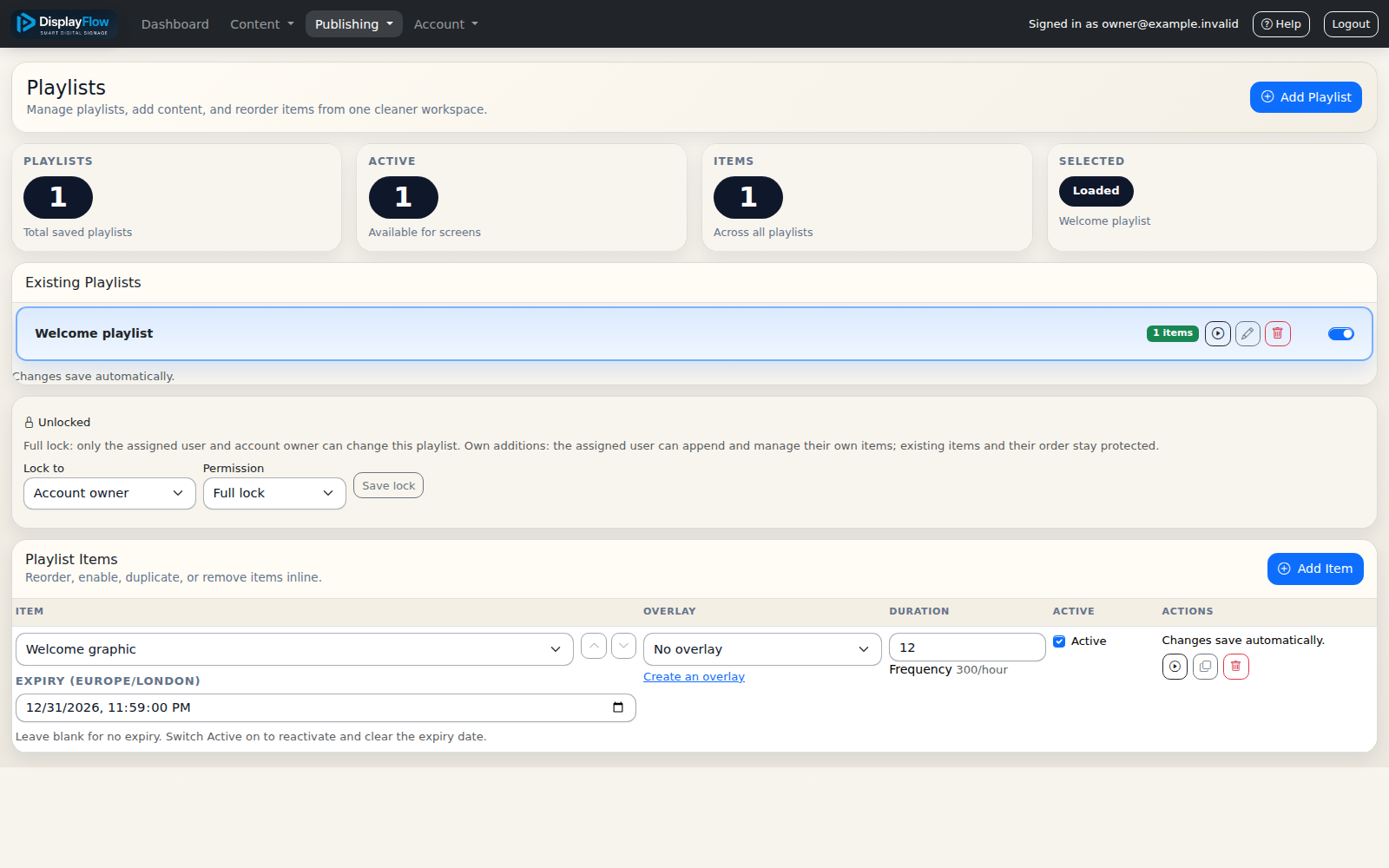
Put your content into a playlist—the running order for your screen. Decide what should appear first and when your messages should change.
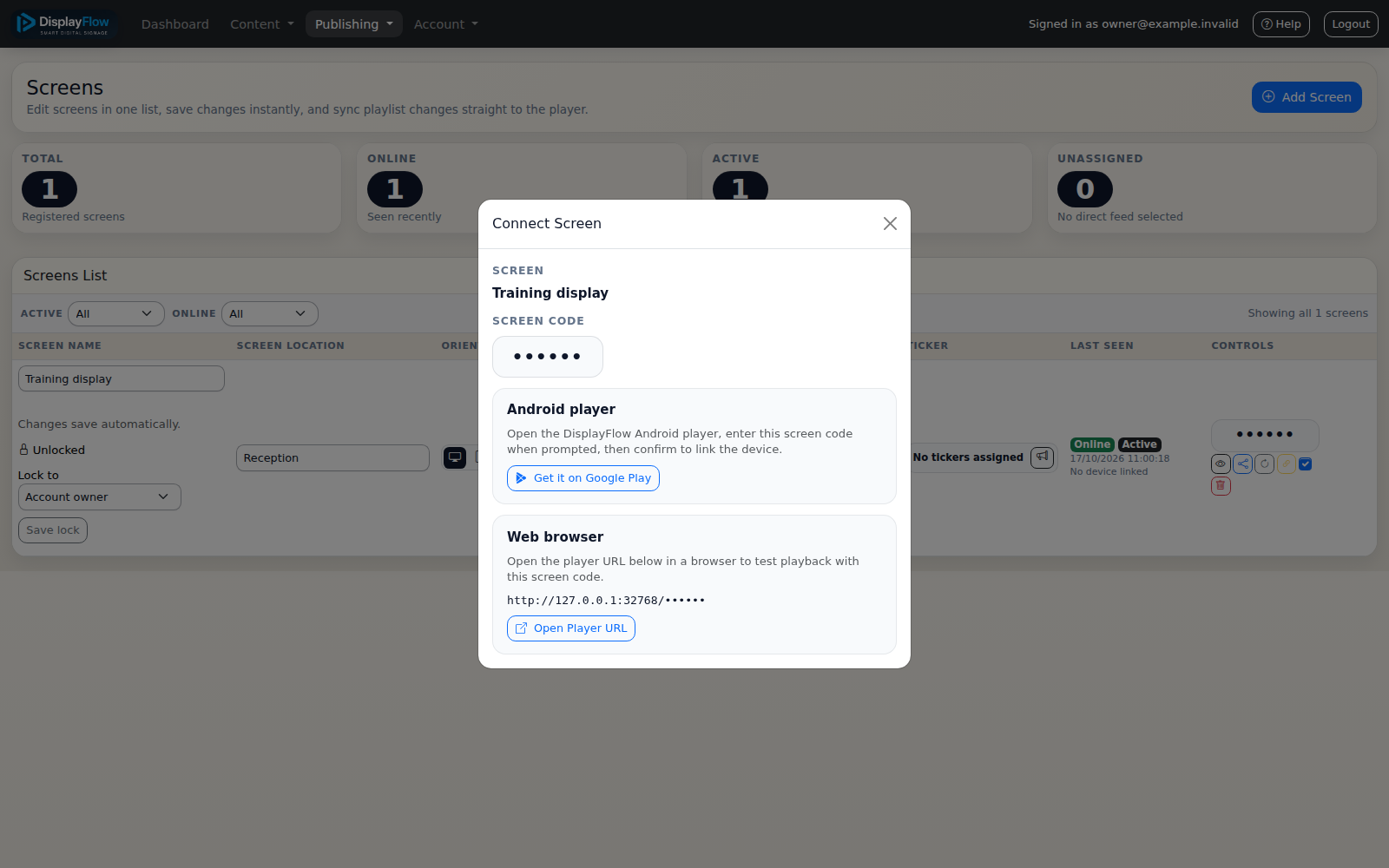
Create the screen in your account and choose its playlist. Give it a name your team will recognise, such as Reception.
Open DisplayFlow on your compatible screen or prepared stick and use the screen code from your account. Check the content from a member’s viewing position before leaving it running.