Illustrative installation · DisplayFlow example content
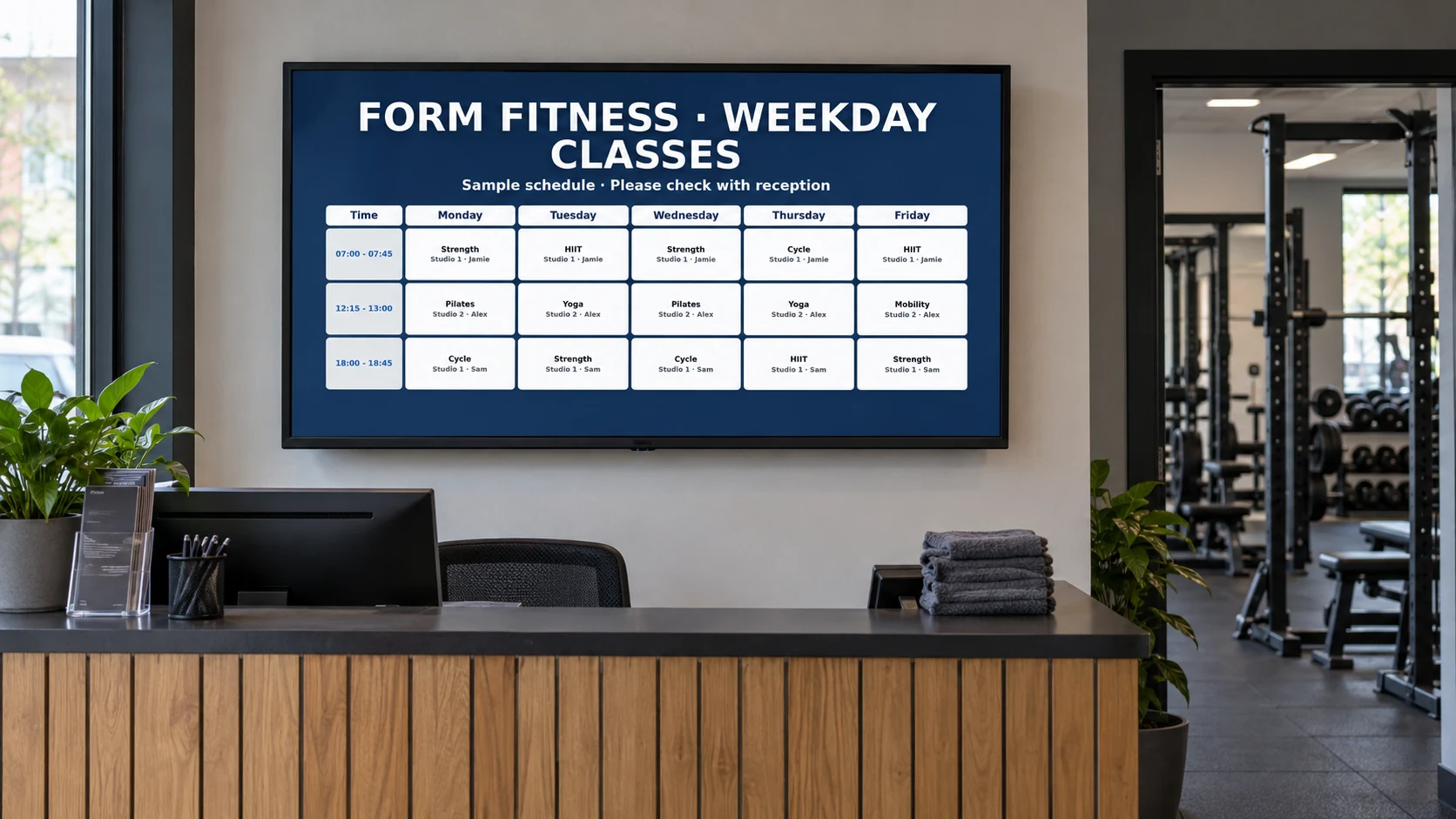
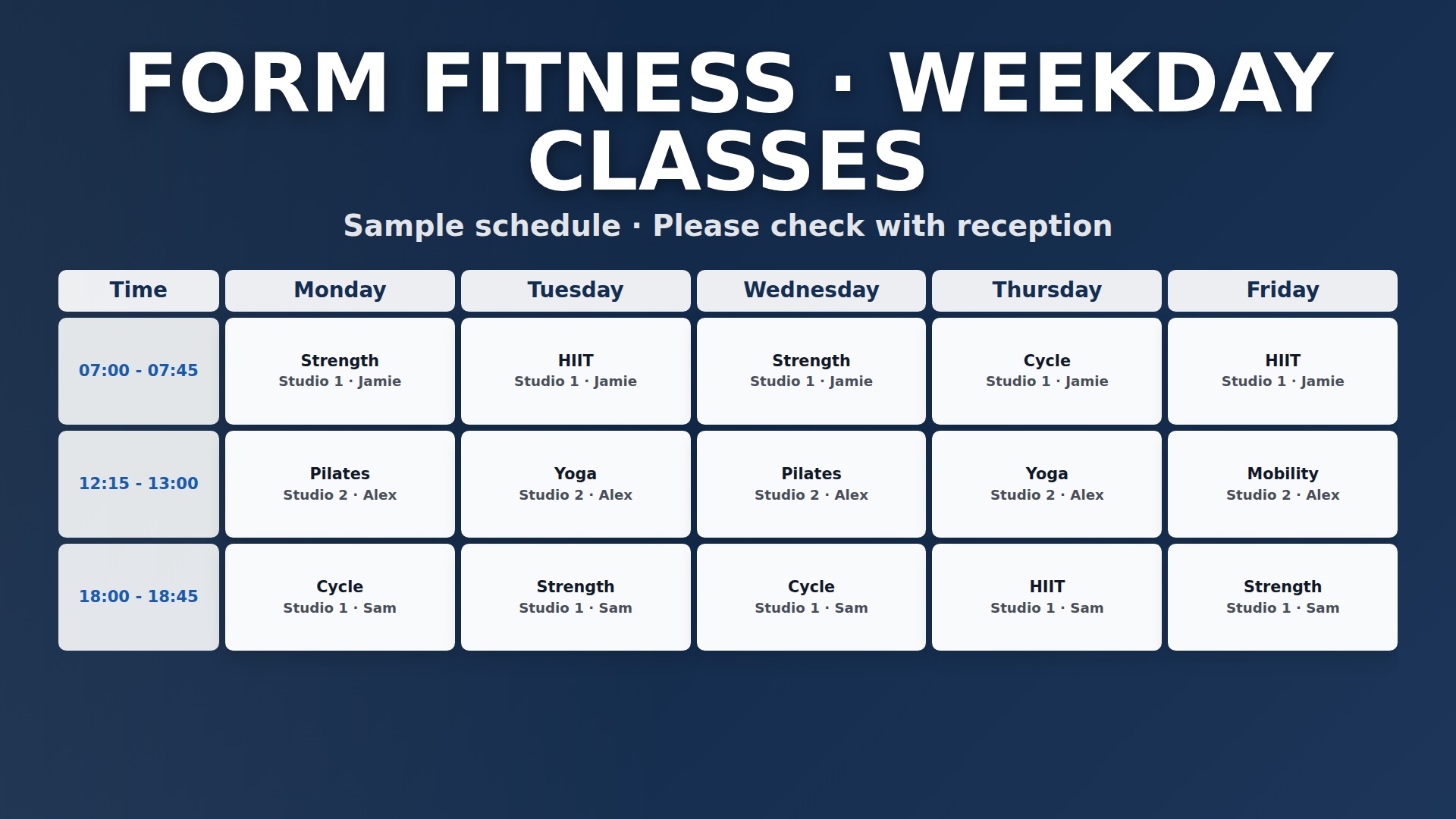
Weekly classes · fictional screen example01
Plan your first reception screen
Start with the questions members ask most: what’s on today, where to go and what’s coming up. Pair a clear class list with one offer and one community message. Stand where members will view the screen and check that every word is readable.
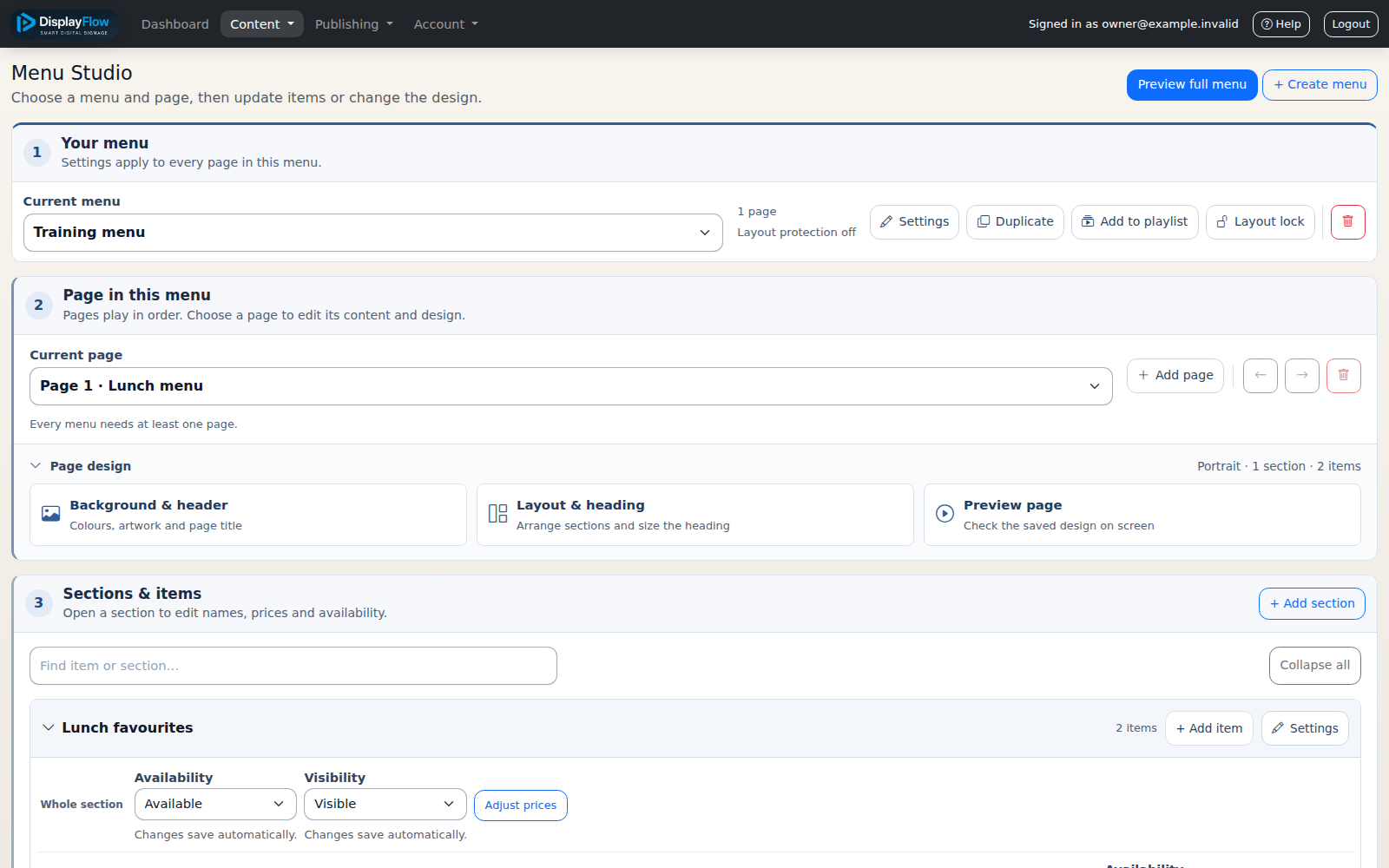
Group drinks and snacks into short sections, keep prices easy to spot and give one special a clear place. Review the menu from the queue, then update it when availability or prices change.
DisplayFlow advertiser setup example03
Make space for local partners
Choose advertisers that suit your members. Agree the artwork, dates and terms, and review each graphic before showing it. DisplayFlow helps you organise the content; advertiser invoicing and payments remain your responsibility.
04
Choose your first screen location
Reception is a good starting point because most members pass it. Check the viewing angle, mounting, power and connection before deciding. A compatible existing TV may work; a dedicated stick is another option.
05
Keep your content fresh
Plan around your gym’s week. Check class times, remove expired offers and add a new member story or challenge. A small set of current messages is easier to follow than a crowded screen.
06
Work out the cost
Count the screens you actually need, choose monthly or annual software, and allow for any equipment or installation. Use the published prices on this site as your starting point, then ask for help if your setup needs more.